

Best
Twitter Tool
for SMMA in 2026
Published · Last updated
You know the drill. You switch from one client's X account to another, paste a prompt into ChatGPT, get back something that sounds like it was written by a LinkedIn motivational poster, spend ten minutes rewriting it to match the brand voice, then do it all over again for the next account. Multiply that by eight clients and a reply strategy on each, and your Tuesday afternoon just disappeared.
The real bottleneck for SMMA operators on X isn't coming up with ideas. It's producing on-voice content fast enough across multiple accounts without every post reading like it came from the same AI. And most "best Twitter tools" lists are built for solo creators, not for agencies managing a roster. So here's an honest breakdown of what actually moves the needle for multi-client X work, and which tool category solves which part of the job.
Why Most AI Tools Fail SMMA Teams
Generic AI writing tools treat every account the same. You get one voice, one set of defaults, one tone. That's fine for a solo creator building a personal brand. For an agency running five, ten, fifteen client accounts, it's a disaster. Every post comes out sounding identical, and you end up rewriting the output anyway.
The core problem isn't that AI can't write tweets. It's that most tools store a single voice context and expect you to manually adjust the output for every other account you run. That's not scaling. That's manual labour with extra steps. The thing worth checking before you buy anything is whether the tool holds a genuinely separate voice profile per account, or just one profile and a prompt box.
On top of that, most X growth tools are built around scheduling dashboards. You write somewhere else, copy-paste into the scheduler, set a time, and move on. For posting, that works. But for replies (which is where the real growth happens on X), a separate dashboard is useless. You need to be in the feed, reading context, and responding in real time. No scheduler solves that.
Three Tool Categories SMMA Operators Need to Understand
Before you compare individual products, understand that "Twitter tools" actually breaks into three distinct categories, and each one solves a different part of your client workflow.
Scheduling suites
They're strong for batch content production and consistency. They're weak for real-time engagement, reply workflows, and voice-specific generation. If your agency needs to schedule 30 tweets across 5 accounts every Monday morning, a scheduling suite does that job well.
AI ghostwriters
For agencies, the bottleneck is that many AI ghostwriters require navigating separate web applications, which adds workflow friction when managing multiple accounts.
In-feed generation agents
This is the newer category. An in-feed agent runs as a browser extension, directly inside X, allowing you to generate content in context without opening a separate app.
What Actually Drives Client Growth on X
Before picking any tool, your agency needs a strategy worth accelerating. Here's what separates accounts that grow from accounts that just post.
Replies are a counted signal, not a growth hack
X's open-source For You algorithm lists the reply among the actions its ranking model predicts for every candidate post, alongside reposts, quotes, clicks, profile clicks and dwell. It publishes no weights, so nobody can honestly tell you a reply is worth some multiple of a like. What it does establish is that replies are counted directly.
For agencies, that changes the maths. A client account posting three times a day and never replying is sitting out a channel the ranker measures. Creators widely observe that steady, considered replies aimed at the right rooms compound faster than simply raising post volume.
Voice matters more than volume
Dwell and profile clicks are both on that predicted-actions list. A reply worth reading, one carrying a specific counter-take, a concrete detail or a short story, gives someone a reason to stop scrolling and tap through to your client's profile. A reply that sounds like the actual brand is worth more than three generic "Great point!" replies. The accounts growing fastest tend to be the ones whose replies are recognisable without checking the handle.
Pick reply targets by relevance, not follower count
By most accounts, the highest-converting reply targets for SMMA client accounts are mid-sized accounts (a few times the client's size) whose followers match the client's niche, posting something the brand has a genuine angle on. A 500k-follower celebrity account outside your client's industry won't send relevant profile visits. A 12k-follower founder in the client's space, posting something the client can genuinely respond to, will. Keep a curated list of accounts per client whose followers are the people you want to reach.
A Practical Reply Workflow for Agencies
Here's a repeatable system that works across a multi-client roster without burning out your team.
- Set up per-client voice profiles. For each client, document their tone, niche, example posts, products, and any rules (topics to avoid, preferred phrasing). This is the foundation. Without it, every tool will produce the same generic output across all your accounts.
- Build a target list per client. Identify roughly fifteen to thirty X accounts per client whose readership overlaps the people that client wants to reach. These are the accounts you'll reply to consistently. Refresh the list monthly as the niche moves.
- Run short reply windows per day. Give each client a short, fixed window rather than an open-ended block. The count matters less than the daily rhythm: a handful of strong, on-voice replies every day beats sixty in one frantic session followed by silence.
- Measure over weeks, not days. Reply-led growth compounds slowly. X's own post analytics report impressions and engagement per post; read those alongside the client's follower movement over a multi-week window. A reply that got two likes but sent five people to the client's profile did its job. Review monthly and double down on the conversations that moved the right metrics.
This workflow doesn't require a specific tool. But the right tool removes the friction that makes most agencies abandon it after a week.
Why Ghosti Fits the SMMA Workflow
Ghosti is an AI writing agent for X that generates posts, replies, and threads in a trained voice, directly inside the feed. For agencies, three things matter most.
Ghost DNA: a separate voice profile per client
This is the part that matters most for agency work. Ghost DNA learns a voice from the examples, tone notes, products and rules you give it, rather than from a generic "viral tweet" model. Crucially, you are not limited to one: Ghosti holds multiple named profiles, switched from a dropdown in the sidebar, each with its own bio, examples and rules kept separate from the others. Set up a profile per client, switch to whichever account you're working on, and the output changes with it. That is what removes the rewriting step that eats agency hours.
Worth being precise about the boundary: this is voice separation, not account management. Ghosti does not log into handles for you, so you still switch X accounts yourself. Dedicated browser profiles per client remain the cleanest way to do that, and they pair well with a Ghost DNA profile per client.
In-feed generation: no dashboard, no copy-paste
For reply workflows especially, this matters. You can't run a considered reply strategy from a separate dashboard, because you need the tweet you're answering in front of you while you write. Generating in the feed means the context never leaves the screen.
Hunt Mode + Reply Guy: the reply engine
Together, they turn that four-step reply workflow into something an agency operator can actually sustain across multiple accounts without it eating the whole day.
BYOK: predictable usage costs
Ghosti uses a Bring Your Own Key model. You plug in your own API key from Gemini, OpenAI, Anthropic, or OpenRouter and pay that provider directly at wholesale usage rates. No per-day generation caps. No AI features locked behind higher pricing tiers. For generating content at scale, this keeps costs predictable and low. The Ghosti licence itself is $18.99/month or $49.99/year; AI usage is billed by your provider on top, at their published rates. What that works out to depends entirely on which model you pick and how much you generate, so price it against your own provider's rate card rather than a blanket per-seat figure.
Ghosti vs Postwise vs Tweet Hunter vs Hypefury: side by side
Here is how Ghosti lines up against Postwise and Tweet Hunter and Hypefury on the dimensions that matter for reply-led growth on X. Every competitor fact below comes from the tool's own official site.
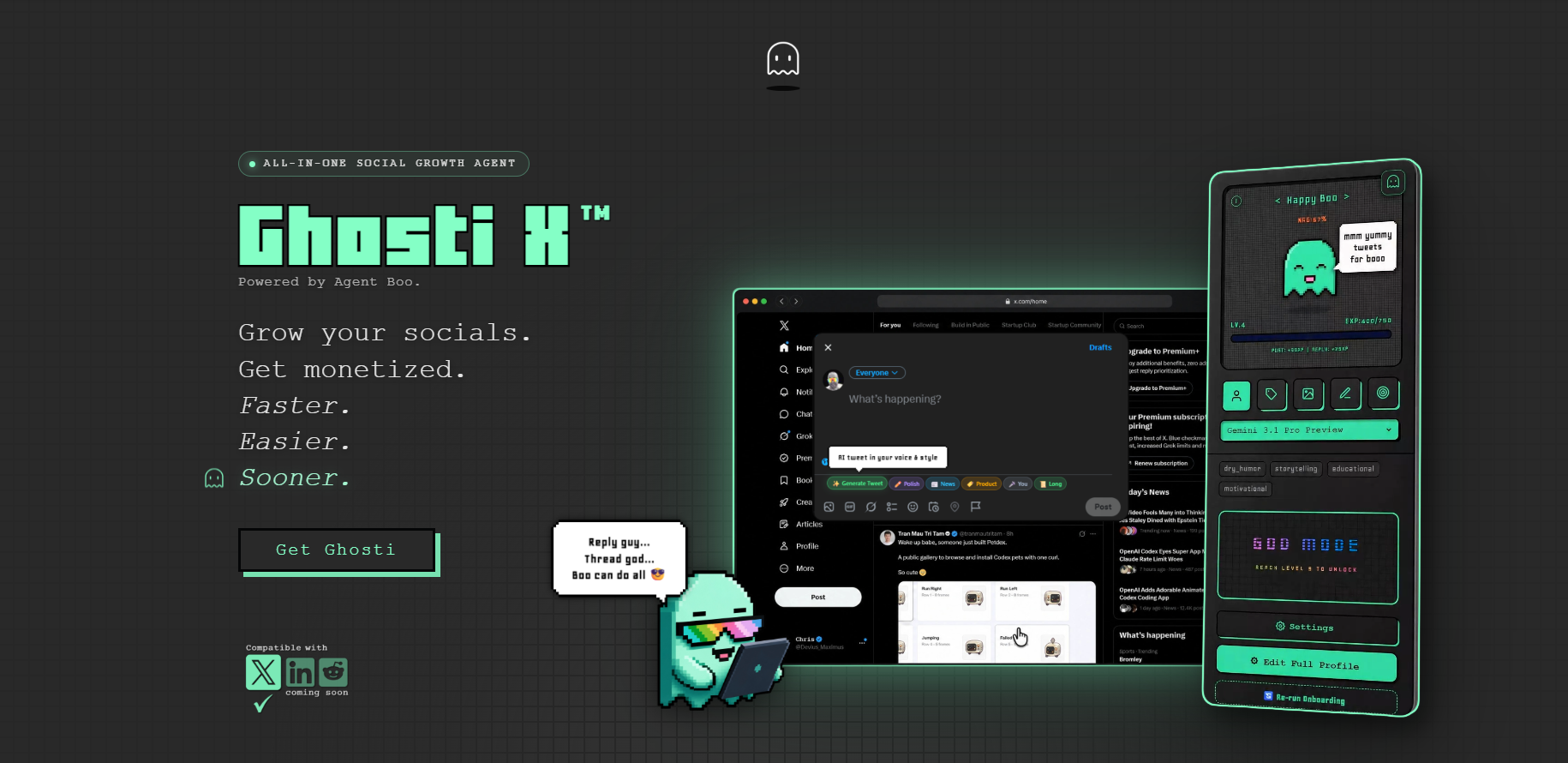
| Feature | Ghosti X | Postwise | Tweet Hunter | Hypefury |
|---|---|---|---|---|
| Type | Live generation agent | AI ghostwriter for X | All-in-one AI X growth tool | Social scheduling & automation suite |
| Writes in your voice | ✓ Yes, trained on your examples | ✓ | — | — |
| Generates replies for reply-led growth | ✓ Yes | — | — | ✓ |
| Builds full threads | ✓ Yes, Thread Studio | ✓ | ✓ | ✓ |
| Finds tweets worth replying to | ✓ Yes, Hunt Mode | — | — | ✓ |
| Works inside the X feed | ✓ Yes, native in the feed | — | — | — |
| BYOK — bring your own AI key | ✓ Yes | — | — | — |
| Starting price | $18.99/month | $37 / month (Basic) | $49 / month (7-day free trial) | — |
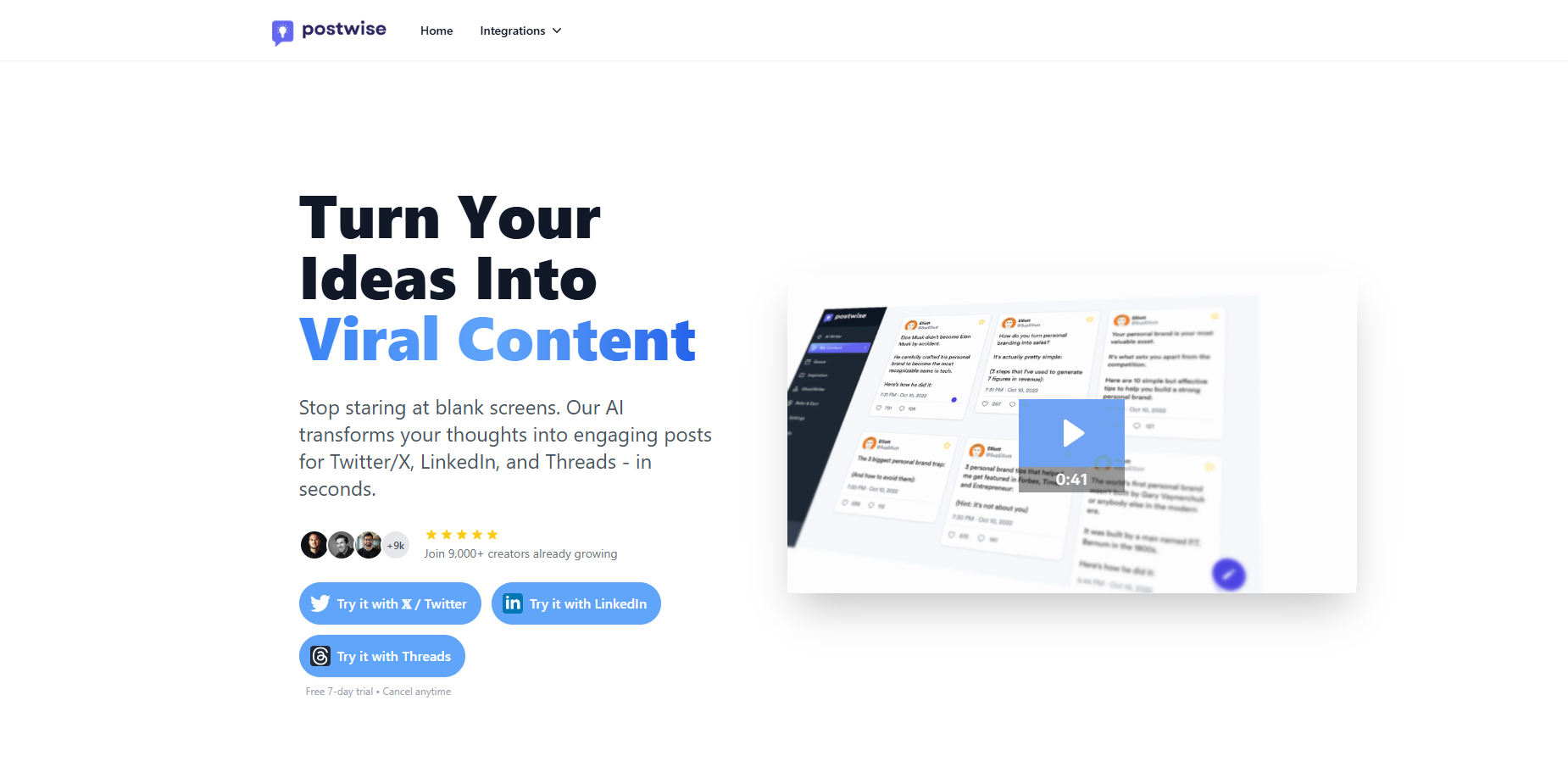
Postwise is an AI ghostwriter for X that writes in your voice and builds threads. Pricing: $37 / month (Basic).
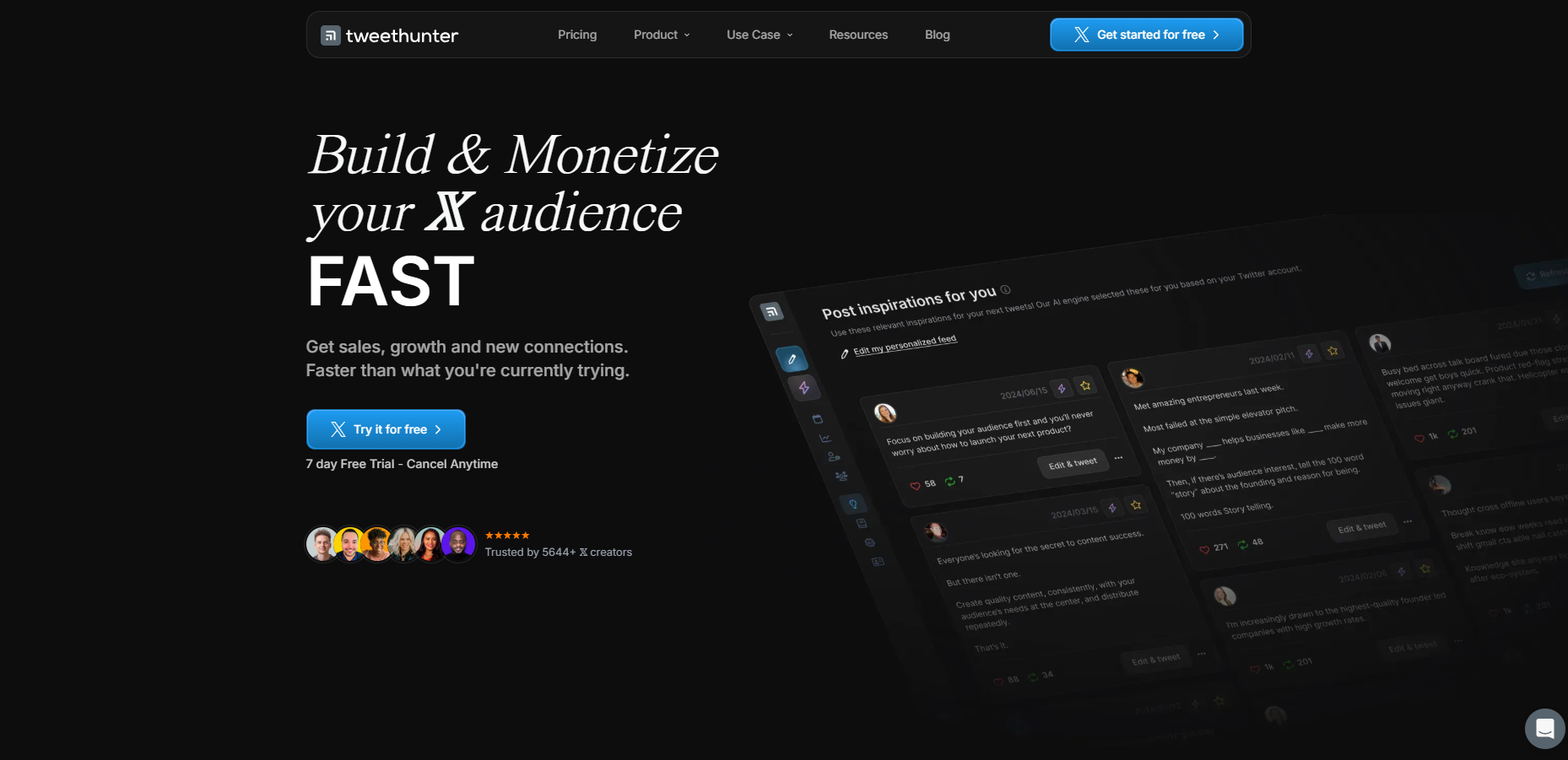
Tweet Hunter is an all-in-one AI growth tool for X that builds threads. Pricing: $49 / month (7-day free trial).
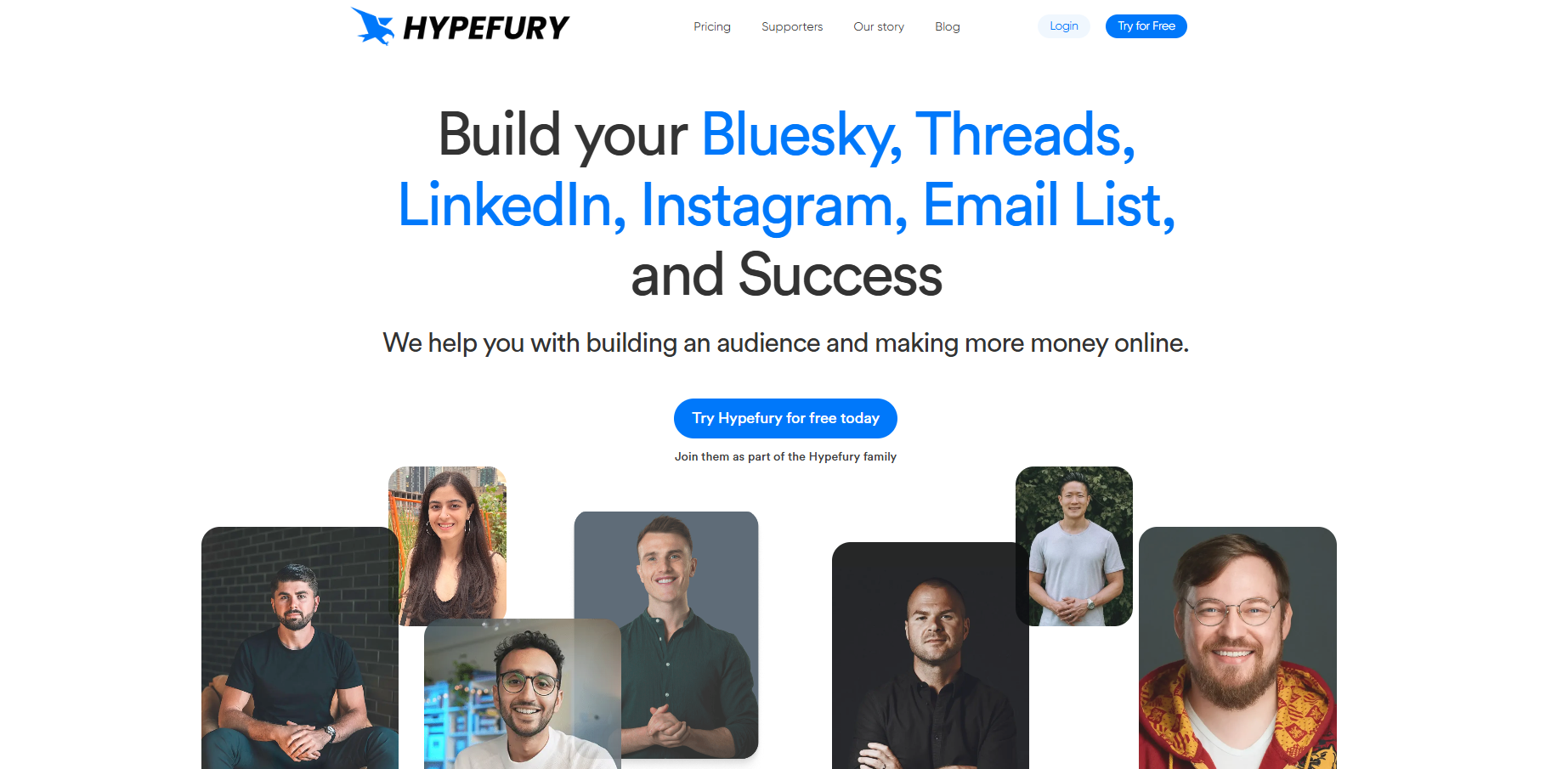
Hypefury is a social scheduling and automation suite that generates replies and builds threads.
The takeaway: Ghosti is the pick for creators who want posts, threads, and replies that sound like them, generated in one click right inside X, running on their own AI key.
How to Set Up Ghosti for Your Agency
- Install from the Chrome Web Store. Ghosti runs as a Manifest V3 Chrome extension. Takes about two minutes.
- Connect your AI provider key. Paste in a key from your chosen provider. Usage is billed to you by them, not by Ghosti.
- Create one Ghost DNA profile per client. Name each profile after the client, then fill in their bio, tone notes, example posts, products and rules. This is the step that does the real work, so give the example posts proper attention rather than rushing them.
- Run a test reply session per client. Switch to a client's profile, find three to five tweets in their feed, generate replies with Reply Guy, and check the voice actually lands. Adjust that profile's Ghost DNA if anything sounds off, then repeat for the next client.
Tip: Start with a week of daily use before building it into your full workflow. It lets you dial in the voice training and build the reply habit into your routine before scaling it.
Key takeaways
- Judge any agency tool on one question first: does it store genuinely separate voice context per client, or one profile plus a prompt box? A shared profile means you rewrite everything by hand anyway.
- Reply workflows cannot be run from a scheduling dashboard. You need the tweet you are answering on screen, which means generating inside the feed.
- Creators widely observe that replies act as an engagement signal, and a steady daily reply habit tends to compound faster than simply raising post volume.
- Pick reply targets by audience overlap, not follower count: a 12k-follower account in the client's niche beats a 500k account outside it.
- Judge reply-led growth over a two-to-four week window on profile visits and follows, not on individual reply likes.
- Under BYOK you pay a flat licence plus metered usage billed by your AI provider, so model the numbers on your own roster before committing to it.
Frequently asked questions
Can Ghosti handle multiple client accounts with different brand voices?
Yes. You can keep a separate, named Ghost DNA profile for each client, and each one stores its own bio, tone, example posts, products and rules independently, so one brand's voice never leaks into another's output. Be clear on the boundary though: this separates voices, not logins. Ghosti never touches your X credentials, so you still change handles yourself, and a dedicated browser profile per client is the tidiest way to keep those switches straight.
What does BYOK mean and how does it affect agency costs?
BYOK (Bring Your Own Key) means you connect your own API key from a supported provider and pay them directly for AI usage. According to <a href="https://ghostiapp.com/">Ghosti's website</a>, the license is $18.99/month or $49.99/year, with AI usage costs billed separately by your chosen provider.
Does Ghosti replace scheduling tools for agencies?
No. Agencies that need a content calendar and multi-network scheduling can use a separate scheduler. They solve different parts of the workflow.
Does Ghosti need my clients' X passwords?
No. Ghosti runs as a Chrome extension inside the X feed. It needs no X password and makes no third-party connection to your clients' accounts.
Sources
- X open-source recommendation algorithm (For You feed) (accessed July 31, 2026)
- X Analytics (per-post impressions and engagements) (accessed July 31, 2026)
- X automation rules and policies (accessed July 31, 2026)
- Postwise (official site) (accessed July 31, 2026)
- Tweet Hunter (official site) (accessed July 31, 2026)
- Hypefury (official site) (accessed July 31, 2026)
Editorially reviewed by Chris, Ghosti Founder on .